All your bills.
Finally under control
No more missed payments or last-minute stress — just a clear view of what’s due, paid, and coming next.
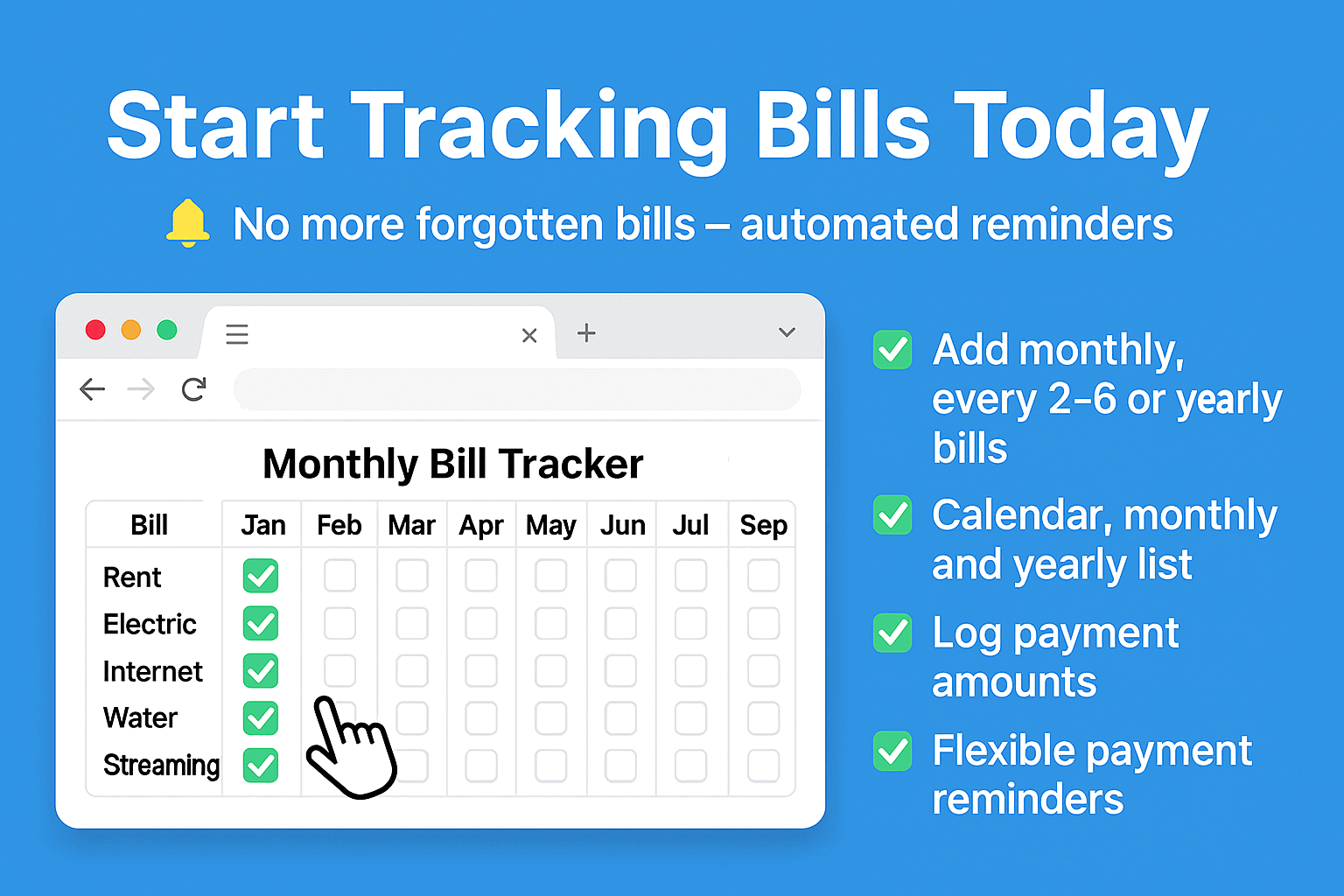
One place to track every bill, every due date
Bill Management
Add any recurring expense — rent, Netflix, electricity, insurance. Give each bill a name, due date, expected amount, payment link, and notes. Edit or archive bills at any time without losing history.
Flexible Recurrencies
Bills repeat on your schedule, not a fixed one. Choose a fixed day of month (e.g. every 15th), or set an interval in days for anything that cycles every N days. The app always knows when the next due date is.
Month & Year View
Switch between a monthly and a full-year overview. Each cell shows bill status at a glance — paid, due today, or overdue — so you can spot patterns and gaps without digging through lists.
Rich Payment Logging
Every time you pay a bill, log it with the exact amount, date, currency, and a comment. Build a full payment history for any bill. See how costs drift over time — price hikes become instantly visible.
Categories
Group bills into color-coded categories — Utilities, Subscriptions, Insurance, Rent, and anything custom. Filter the month view by category to focus on what matters, and get a clear picture of where your money goes.
Local DB & Cloud Sync
Data lives in a local SQLite database on your machine — no third-party servers, no subscriptions. Place the data folder inside iCloud Drive, Dropbox, or any cloud storage to sync across your devices automatically.
Import from Light Version
Already using the Monthly Bill Tracker Chrome extension? Migrate everything in seconds. Export your data from the extension and import it into Bill Organizer — all bills, amounts, and history carry over intact.
Themes & Appearance
Choose from 17 gradient color themes, 4 corner-radius presets, compact or loose density, and font size scaling. The entire interface reflects your choices instantly — make it feel like yours.
Up and running in under a minute
Install the app
One click from the github. No sign-up required.
Add your bills
Enter recurring expenses with their due dates, amounts, and billing cycles.
Get reminders
Set notifications so you never forget a due date again.
Stay organized
Track payments month by month. See your history. Keep everything in order.
Stop letting bills slip through the cracks
Late fees, forgotten payments, unnecessary stress — it adds up. Take control with a simple system that keeps everything in check.
Works offline. No sign-up. Your data never leaves your device.